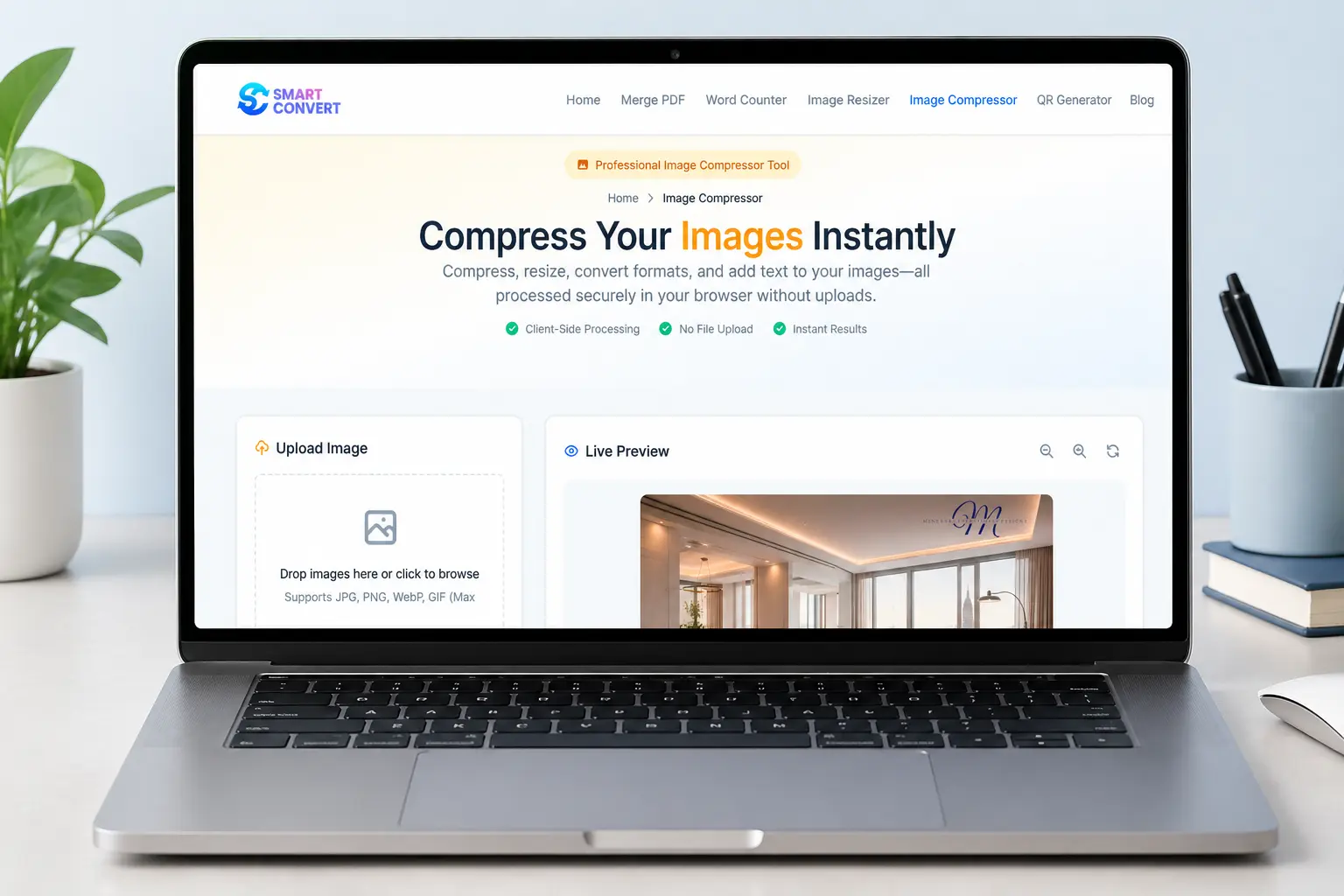
Professional Image Compressor Tool
Home Image Compressor

Compress Your Images Instantly

Compress, resize, convert formats, and add text to your images. All processed securely in your browser without uploads.

Client-Side Processing
No File Upload
Instant Results

Upload Image

Drop images here or click to browse

Supports JPG, PNG, WebP, GIF (Max 20MB each)

OR

Live Preview

Upload an image to see preview

Fast & Reliable Image Compression Tool

Are your pictures too big to share? Meet Smart Convert, your new favourite free image compressor. If you need to compress images online quickly and safely, you are exactly where you need to be.

Our simple online image compressor lets you easily compress JPEG online, along with PNG and GIF files, right on your own device. That means complete privacy and zero waiting around! You can shrink huge files for school projects or blogs without losing any picture quality. Say goodbye to clunky software and enjoy fast, secure, and easy sharing.

100% Free No Registration Private & Secure
Image compression tool interface

Key Features

Compress Images Instantly

Nobody likes waiting. With our tool, you can shrink your photos the second you drop them in. Because everything happens right on your own device, there is no annoying upload time. You get your smaller files right away, ready to use.

Supported Formats

We play nice with all your favourite picture types. Whether you have a standard JPG from your phone, a PNG with a clear background, a fun animated GIF, or a modern WebP file, you can easily compress them here.

JPG PNG WebP GIF

Batch Compression

Do you have a whole album of vacation photos? Do not waste your time shrinking them one by one. You can grab a bunch of pictures and compress them all at the exact same time. It is a huge time-saver when you have a big project to finish.

Adjustable Quality Settings

You are always the boss of how your pictures turn out. Use our simple slider to pick exactly how much you want to shrink your photo. You can make the file super tiny for a quick email or keep the quality high if you want to post it on your blog.

Live Preview & Comparison

Wondering how your photo will look after we shrink it? We show you a cool side-by-side view before you even click download. You can easily compare your original picture with the new compressed version to make sure it still looks absolutely perfect.

100% Private & Secure

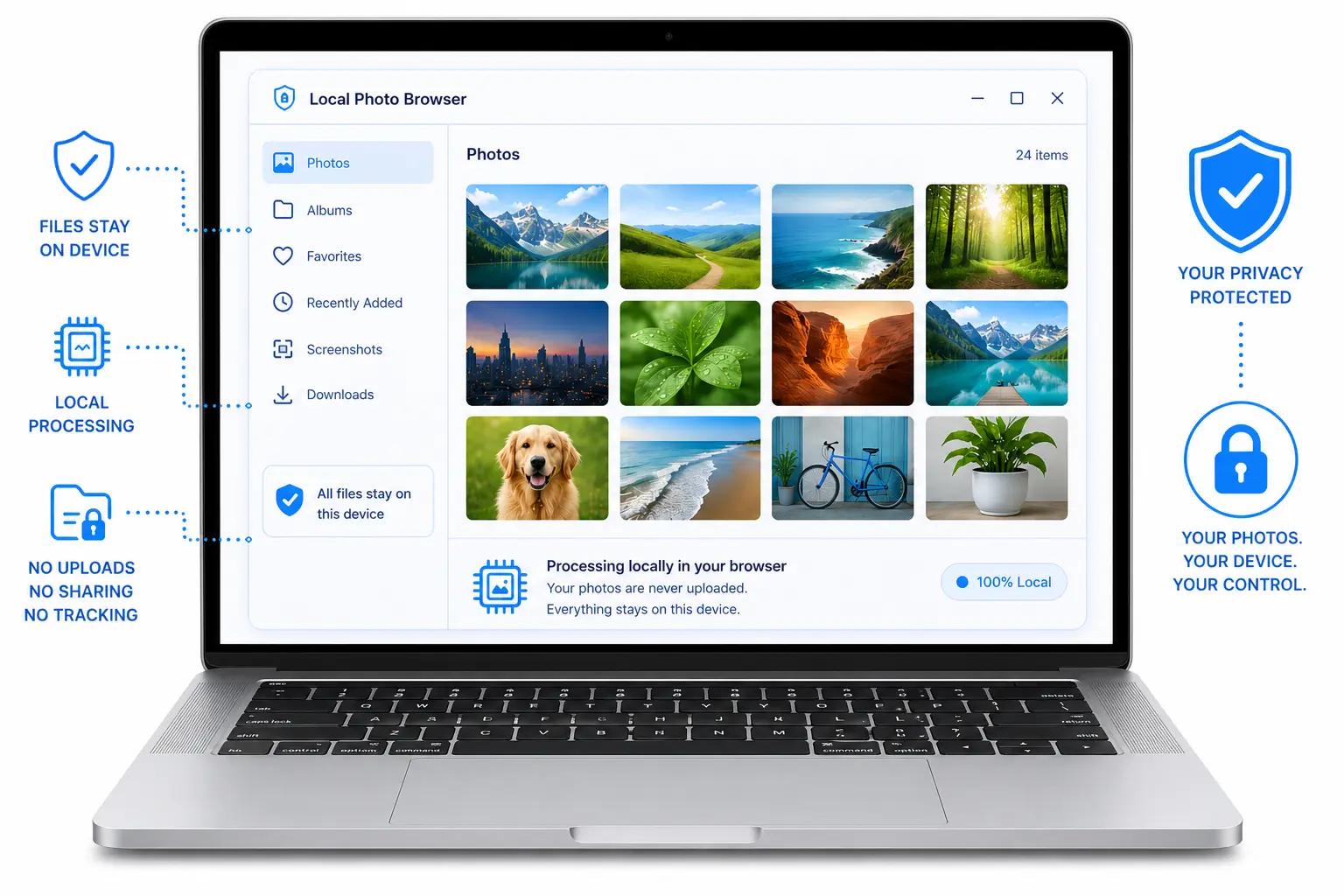
Your photos never leave your device. All compression happens locally in your browser. No servers, no uploads, no prying eyes. Share confidently.

Simple three step process to compress images

How It Works

Using our tool is as easy as making a peanut butter and jelly sandwich! You do not need to be a computer expert to shrink your photos. Just follow these three super simple steps to get started.

1

Upload Your Image(s)

Grab the picture you want to make smaller. Drag and drop it right onto the screen, or click the upload button to pick a file from your computer or phone. Have a lot of pictures? Select a whole bunch at once to save time.

2

Adjust Quality and Dimensions

Play with the settings. Slide the quality bar left or right to choose how small you want the file to be. If you need your picture to be a specific size for a school project or a social media post, you can change the exact width and height right here.

3

Preview and Download

Take a quick peek at your new picture. We will show you the original photo right next to your new, smaller one. If everything looks good, just hit the download button. Your newly shrunk picture saves straight to your device in a flash.

Why Choose Smart Convert?

We built this image compressor to be as safe and simple as possible. Here is exactly what makes our tool stand out from the crowd.

Privacy and security for your images

Client-Side Processing

Your photos never leave your device. Your own phone or computer does all the heavy lifting right on your screen. We do not send your images to our own computers to fix them.

No File Uploads

Because your device does all the work, you never have to upload your private photos to the internet. Nobody else can see them, save them, or share them. Ever.

Fast and Free

Making your photos smaller should not cost you a single dime. Use our tool as much as you want for exactly zero dollars. Skip the slow upload step. Pictures shrink in a flash.

Zero Quality Loss

Smart compression algorithms ensure your images look sharp even at smaller sizes. The quality slider lets you control the perfect balance between file size and visual clarity.

Advanced Features

Did you know our tool does a whole lot more than just shrink your pictures? We packed in some extra superpowers to make your photo editing as fun and easy as possible.

Format Conversion

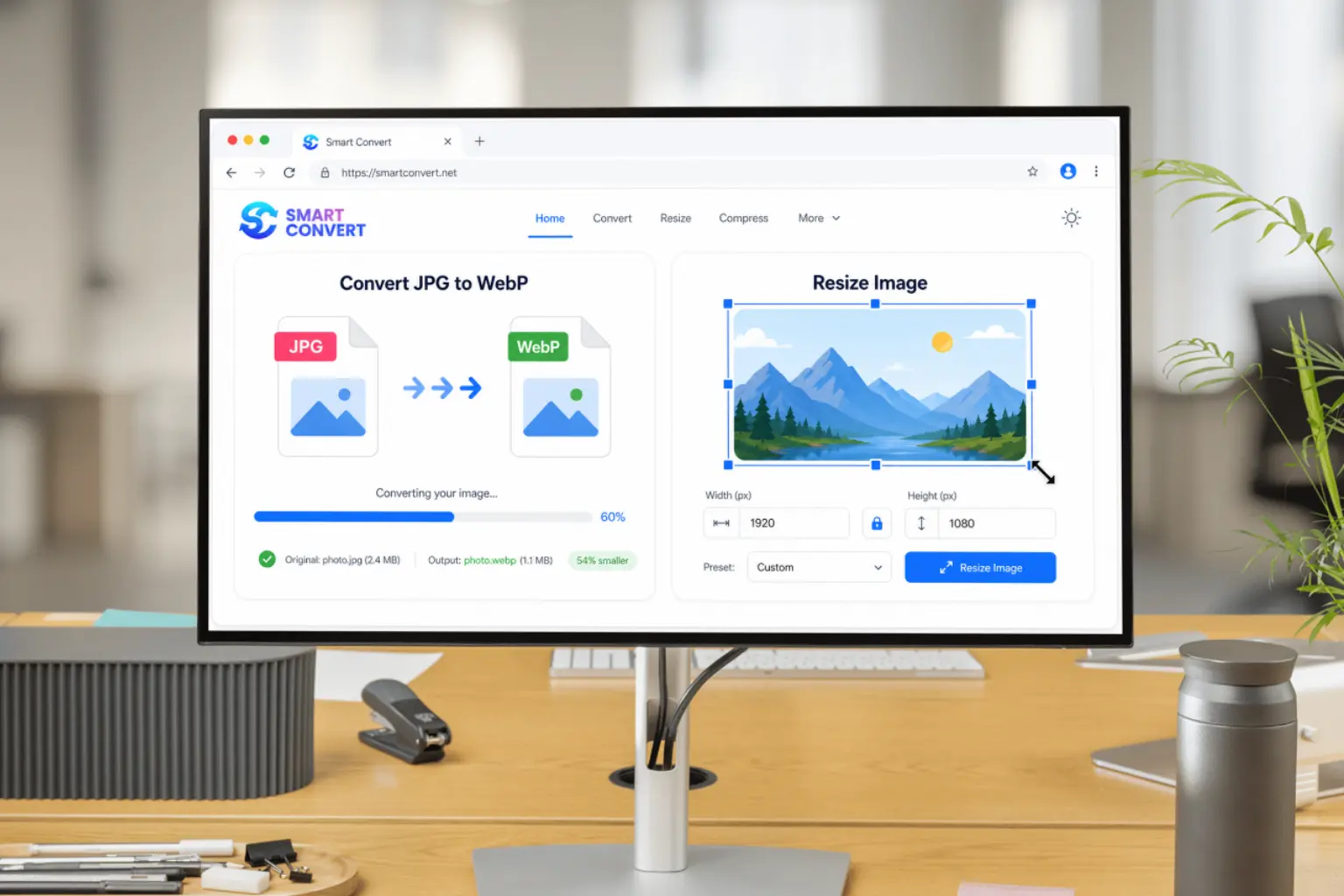
Have a picture saved in the wrong format? No problem at all! While you make your picture smaller, you can also change its file type JPG, PNG, or WebP right on the spot. It is exactly like getting two helpful tools in one.

Custom Dimensions

Sometimes a picture is just way too wide or too tall to fit where you want it. Just type in the maximum width or height you need, and we will automatically resize the image perfectly for you.

Advanced image editing features

Use Cases

People everywhere use our free image compressor to make their daily tasks a whole lot easier. Here are a few ways you can use it.

Web developers compressing images for faster websites
Web Developers

For Web Developers

If you build websites, you know that huge pictures make web pages load super slowly. You can compress images online quickly using our tool. This makes your pages load in the blink of an eye, which keeps your visitors happy and helps your site look amazing to search engines.

Social media enthusiasts sharing photos online
Social Media

For Social Media Enthusiasts

Do you love posting fun pictures on your favourite apps? Sometimes, those apps will not let you upload a photo because the file is simply too big. Our online image compressor shrinks those massive photos down so you can share them instantly without annoying error messages.

E-commerce sellers optimizing product photos
E-commerce

For E-commerce

If you sell cool things online, you need bright, clear pictures of your items. By shrinking your product photos, your shop stays fast and snappy. Your customers can quickly see exactly what they are buying, which helps you sell even more items!

FAQs

How does Smart Convert ensure privacy?

Your photos never leave your computer or phone! All the shrinking happens right on your own screen. Since we never upload your pictures to our servers, nobody else can ever see or save them.

What file formats are supported?

We support all the most popular picture types! You can easily shrink JPG, PNG, WebP, and GIF files using our tool.

Can I compress multiple images at once?

Yes, you sure can! If you have a big pile of photos, you can grab a whole bunch of them and shrink them all at the exact same time. It is a massive time saver.

What is the recommended quality setting for web use?

If you are putting pictures on a website or blog, keeping the quality slider between 70% and 85% is the sweet spot. This makes the file super small but keeps the picture looking bright and clear.

Is there a file size limit?

Yes, but it is plenty big! Each picture you drop into our tool can be up to 20MB in size.

Can I convert image formats while compressing?

Absolutely! While you are making your picture smaller, you can also change its file type. You can easily save your new, smaller photo as a JPG, PNG, or WebP file with just one click.