Professional Image Resizer Tool
Home Image Resizer

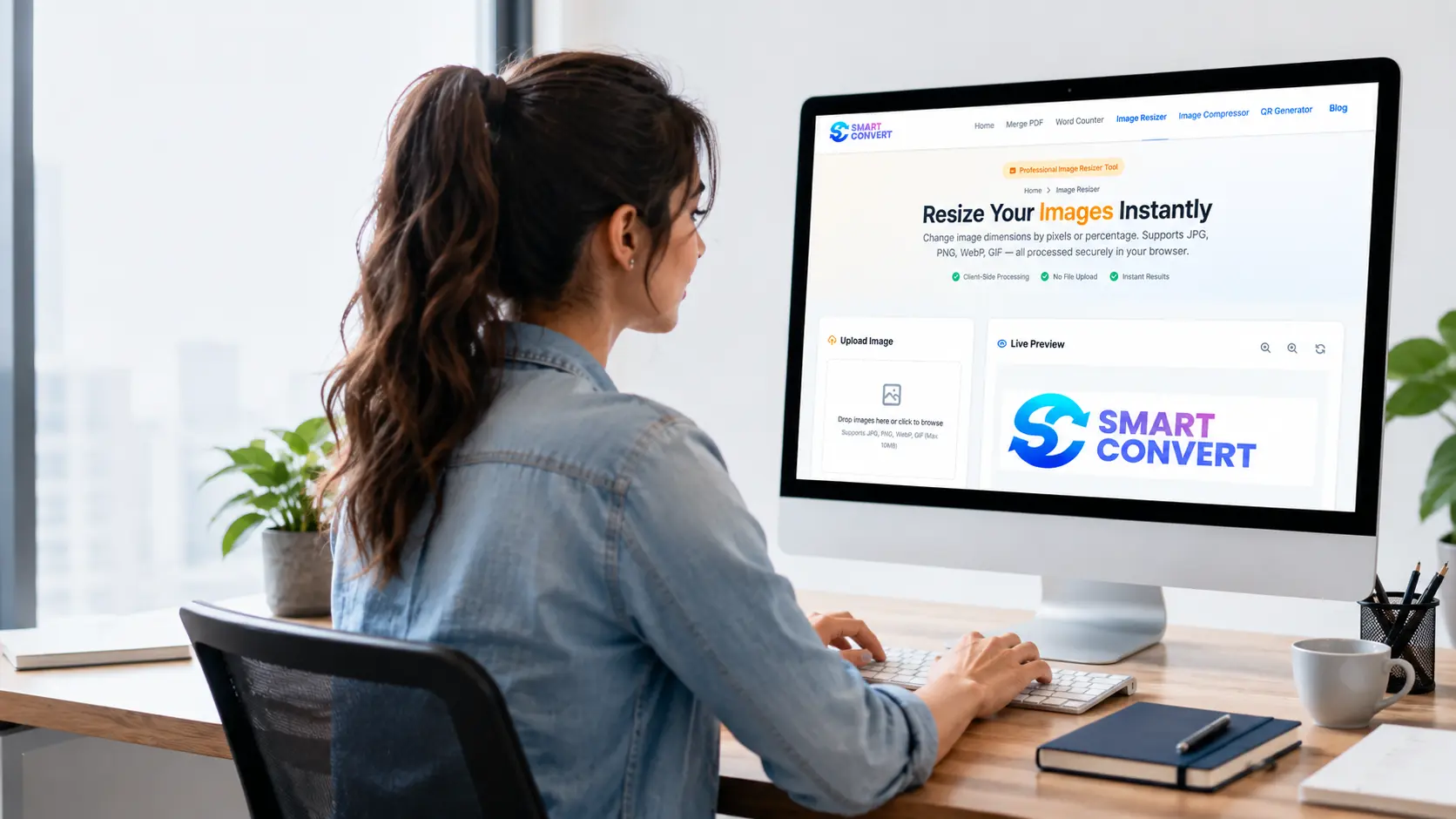
Resize Your Images Instantly

Change image dimensions by pixels or percentage. Supports JPG, PNG, WebP, GIF — all processed securely in your browser.

Client-Side Processing
No File Upload
Instant Results

Upload Image

Drop images here or click to browse

Supports JPG, PNG, WebP, GIF (Max 20MB each)

OR

Live Preview

Upload an image to see preview

Fast & Reliable Free Image Resizer Online

Dealing with chopped-off photos and huge file sizes is incredibly frustrating. We built Smart Convert to fix exactly that. As a completely free image resizer, it helps you get the perfect fit every single time.

Whether you need to quickly resize images for social media or shrink a big picture for a fast email, we make it simple. Now you can safely resize images online right in your own web browser. The best part is that you get to resize images without losing quality, keeping all your favorite details crisp and clear.

100% Free No Registration Private & Secure
Advanced image resizing features

Key Features of Smart Convert

Want to know what makes this tool so amazing? Let's take a quick look at the neat things you can do with our free image resizer.

Client-Side Processing

Your privacy matters to us. That is why your photos never actually leave your computer or phone. Everything happens right in your own web browser. You get to fix your pictures securely without worrying about who else might see them.

Supported Formats

Got different types of pictures? No problem! Whether you are using a JPG, PNG, WebP, or GIF, we can handle it. You can even choose which format you want your new picture to be.

JPG PNG WebP GIF

Custom Dimensions

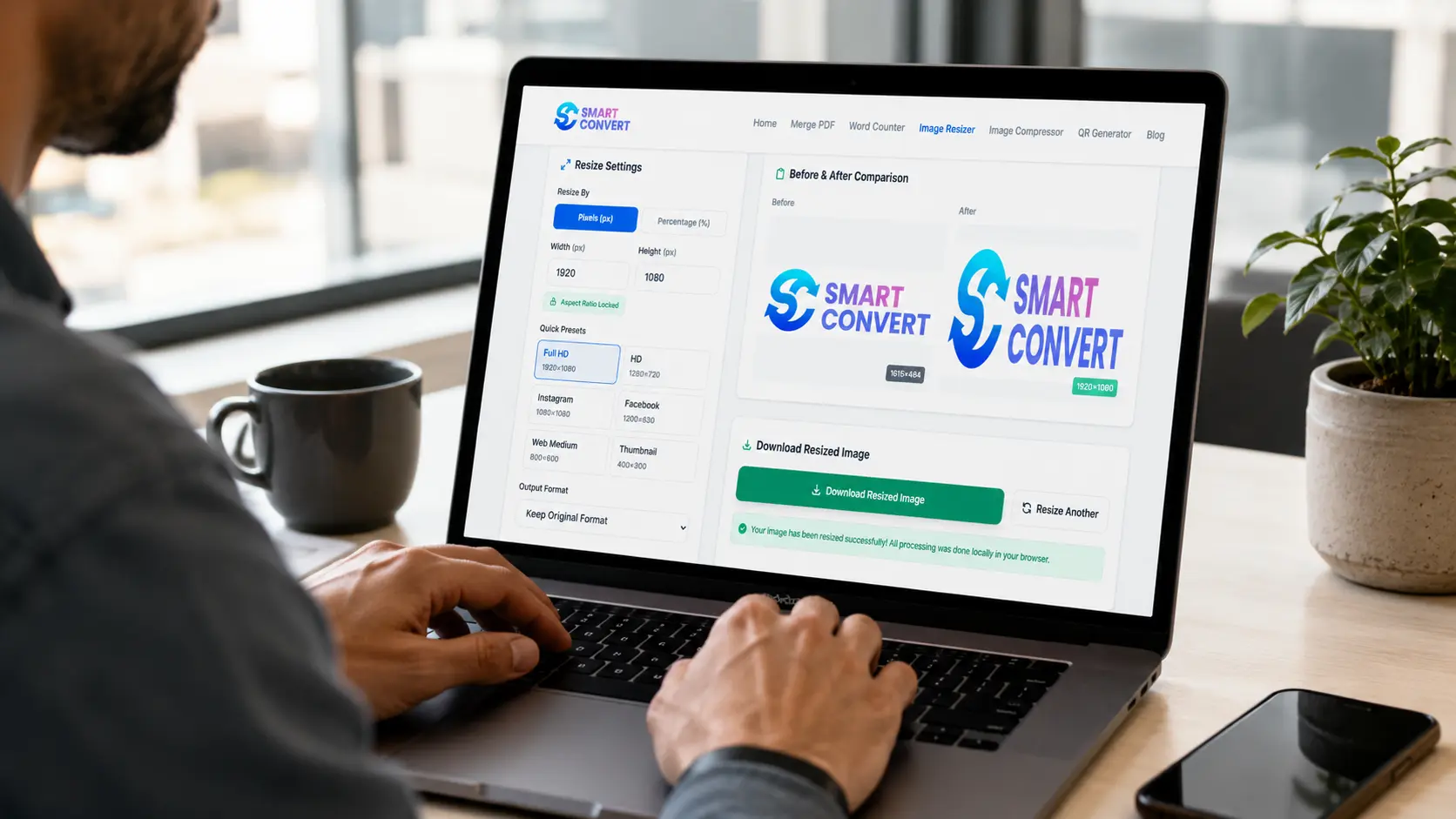
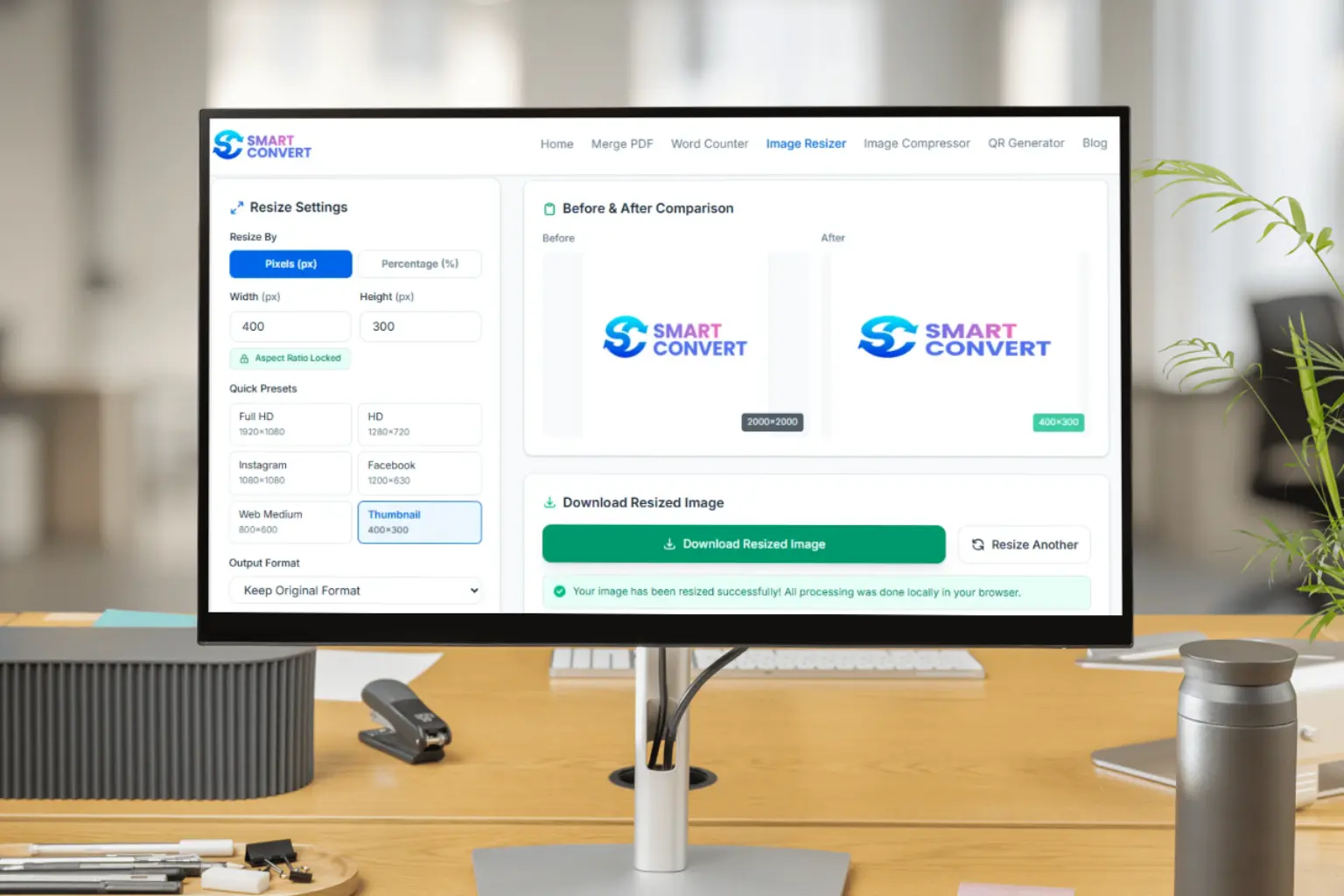
Sometimes you need a picture to be a very specific size. You can easily set the exact width and height you want. Do you just want to make it half as big? You can scale it down by a percentage instead. You are in total control!

Quick Presets

In a hurry? We totally get it. That is why we added 6 handy buttons for the most common sizes. With just one click, you can make your picture the perfect size for an Instagram post, a Facebook cover, or a full HD screen. No math needed!

Live Preview

Have you ever guessed what a picture would look like, only to be disappointed? Our tool lets you see the changes as you make them. You can check how your new picture looks right on the screen before you even hit the download button.

Simple three step process to compress images

How to Use the Smart Convert Image Resizer

Fixing the size of your pictures should be a breeze. Follow these three simple steps to shrink or stretch your pictures exactly how you want them.

1

Upload Your Image

Grab the picture you want to change and drop it right onto the webpage. If you like clicking better, just tap the upload box to search your device. We handle all the standard file types including JPG, PNG, WebP, and GIF.

2

Choose Your Resize Settings

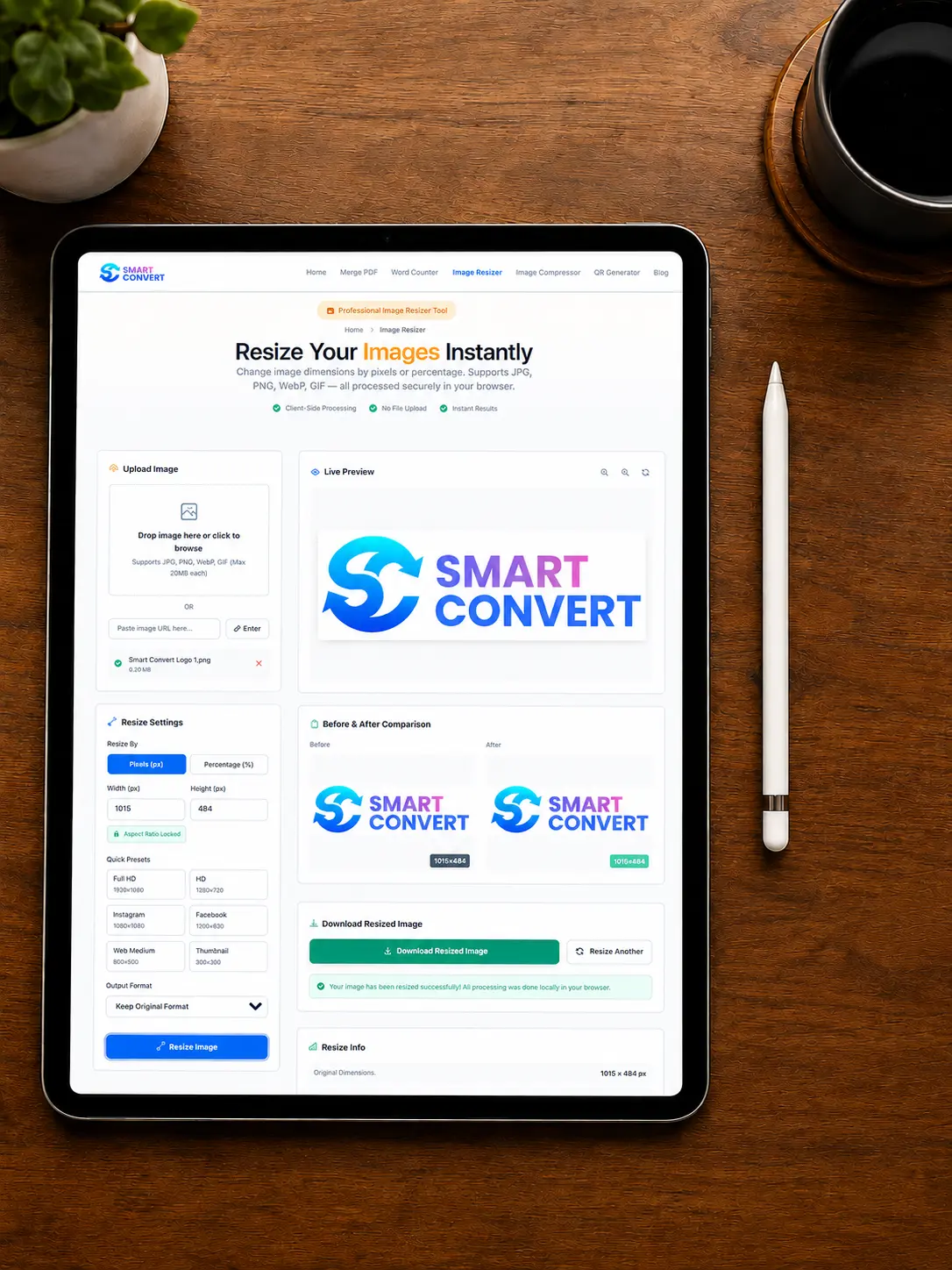
Type the exact width and height you need, scale it down by a percentage, or pick one of our handy quick presets for Instagram, Facebook, Full HD, and more. Our live preview shows you exactly how the picture will look as you make changes.

3

Download Your Resized Image

When the preview looks exactly the way you want it, hit the download button. Your perfectly sized photo saves straight to your device instantly. It really takes less than a minute to fix your photos!

Why Choose Smart Convert?

We built this image resizer to be the safest, fastest, and easiest helper you will ever use. Here is exactly why people love it!

Privacy and security for your images

Privacy First

Nobody wants their personal photos floating around the internet. That is why we never upload your pictures to our web servers. Everything happens right on your own computer or phone. Your family memories stay 100% private and secure.

Speed & Efficiency

Because our tool does all the hard work right inside your browser, it is lightning-fast. You get your shiny, newly sized picture in just seconds. No spinning loading wheels, no long waits, and zero quality lost!

User-Friendly Interface

You should not need a giant instruction manual to fix a simple picture. We made our website so clean and clear that anyone can use it right away. Just drop your photo in, pick a size, and hit download.

Zero Quality Loss

When you shrink a large picture to make it a smaller size, all those beautiful details stay crisp and sharp. Shrinking a picture keeps all those tiny details looking sharp and clear every single time.

Advanced Features

Sometimes you need a little more control over your pictures. Our advanced tools give you those extra superpowers to make your photos look exactly the way you want.

Aspect Ratio Locking

Have you ever stretched a picture and made everyone look super wide or weirdly tall? With our handy lock button, your picture keeps its natural, perfect shape. If you change the width, we do the math and automatically change the height to match. Your photos stay looking normal and beautiful every single time.

Before & After Comparison

It is always fun to see how much your photo has changed. Our tool gives you a neat side-by-side view of your picture. You can look at your original photo on one side and your brand-new, resized picture right next to it. This makes it super easy to spot the differences before you save.

Output Format Options

Different websites often ask for different types of picture files. We make it incredibly simple to switch things up! You can keep your photo exactly as it was or easily turn it into a fresh JPG, PNG, or WebP file. Just pick what you need from a quick list, and we do the hard work for you.

Free image resizer tool interface

Use Cases

People use Smart Convert every single day for all kinds of fun and important tasks. Let's look at 3 great ways we can help make your photos look absolutely perfect.

Social media content resizing
Social Media

For Social Media

Have you ever tried to post a cool photo, but the app chopped off your best friend's head? Whether you need a perfect square for an Instagram post, a wide banner for a Facebook page, or a crisp thumbnail for a YouTube video, we help you get the exact fit. Say goodbye to weird, automatic cropping!

Web optimization with resized images
Web Optimization

For Web Optimization

Nobody likes waiting for a slow website to load. If you are building a fun blog, a school project page, or a personal website, huge pictures will slow everything down to a crawl. By shrinking your images to the right size, your web pages will load incredibly fast.

E-commerce product image resizing
E-Commerce

For E-Commerce

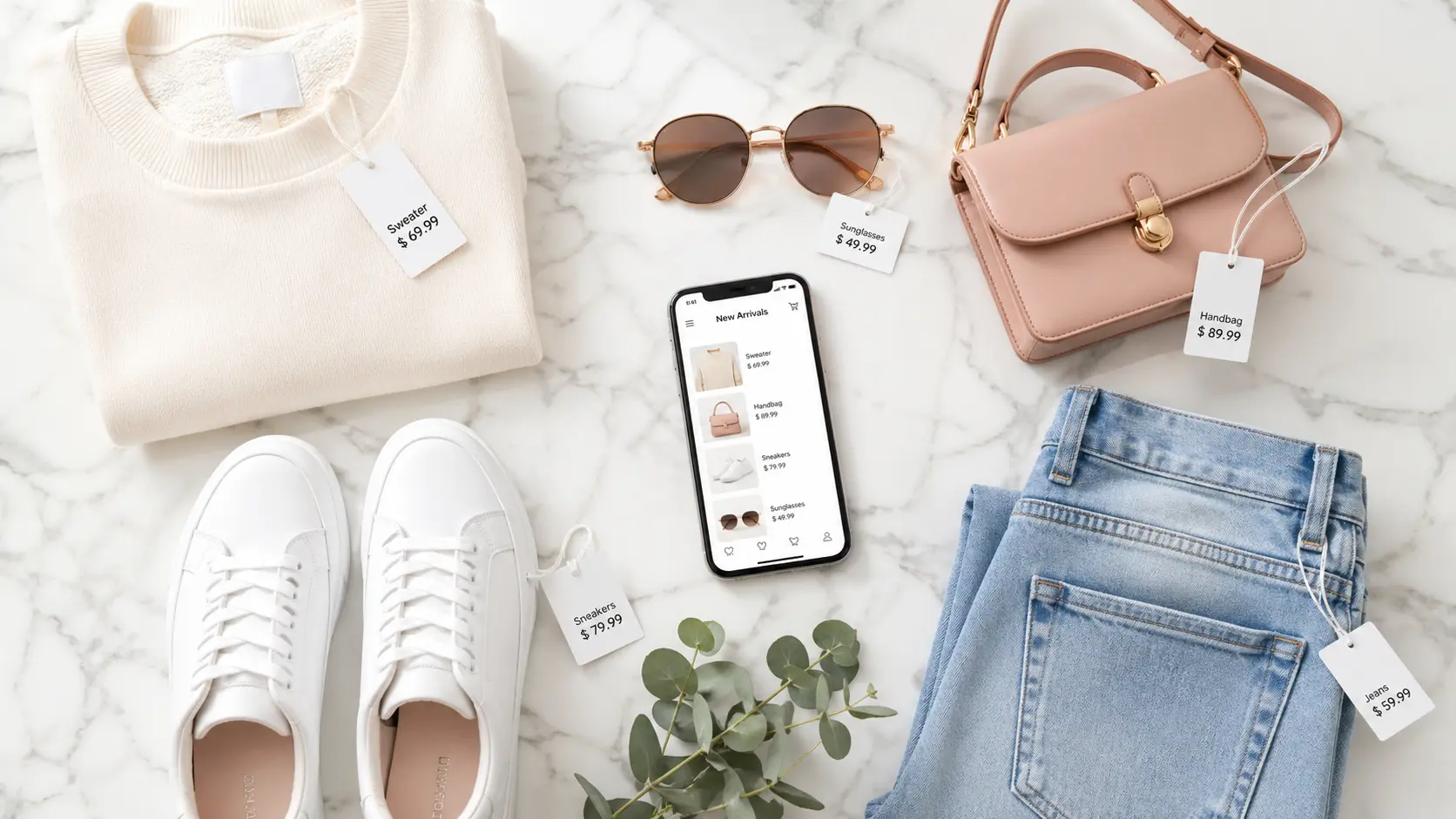
Are you selling old video games, custom crafts, or cool clothes online? Clear, well-sized pictures make your stuff look so much better. With our tool, you can quickly size your pictures perfectly for your digital shop. It helps buyers see exactly what they are getting and makes your items stand out.

Tips for Optimal Image Resizing

Want your pictures to look their absolute best? Before you start tweaking your favorite photos, keep these 3 simple tricks in mind. They will help you get perfect results every single time!

1

Choose the Right Dimensions

Think about where your picture is going. A wide banner for a website needs a very different shape than a square Instagram post. Find out the exact size the website asks for, or just use our quick presets so your photo never gets awkwardly cropped or chopped in half.

2

Maintain Image Quality

Have you ever stretched a tiny picture to make it huge? It usually turns out blurry and looks like it is made of colorful blocks. To keep your photos looking crisp and beautiful, it is always best to start with a large picture and shrink it down.

3

Save in the Correct Format

Picking the right file type makes a big difference. Use a JPG for regular, everyday photos with lots of colors. If your picture has text or a see-through background, pick a PNG instead. Want the picture to load super fast on a web page? Go with a WebP file.

Tips for optimal image resizing

FAQs

Is Smart Convert free to use?

Yes, absolutely! You can resize as many pictures as you want without spending a single penny. There are no sneaky fees, hidden watermarks, or accounts to create. You get full access to all our cool tools totally for free.

Will resizing reduce image quality?

Not at all! When you shrink a large picture to make it a smaller size, all those beautiful details stay crisp and sharp. Just remember that trying to stretch a tiny photo into a giant one might make it look a bit blurry, so it is always best to start with a big picture.

What file formats are supported?

We handle all the popular picture types you use every day! You can easily upload and save your photos as JPG, PNG, WebP, or GIF files. Whether it is a colorful family photo or a cool digital drawing with a clear background, we have you covered.

Can I resize images for social media?

You sure can! We know how annoying it is when your favorite app crops your photo weirdly. You can use our quick preset buttons to make your pictures the exact perfect size for an Instagram post, a Facebook cover, a YouTube thumbnail, and more.

How does Smart Convert protect my privacy?

We keep your photos super safe because we never actually look at them! Your pictures never leave your computer or phone. The resizing happens right in your own web browser, meaning no one else can ever see, copy, or save your personal memories.